Design and prototyping tool for web and mobile apps
All-in-one UI / UX design platform to create UI assets, prototypes and simulations
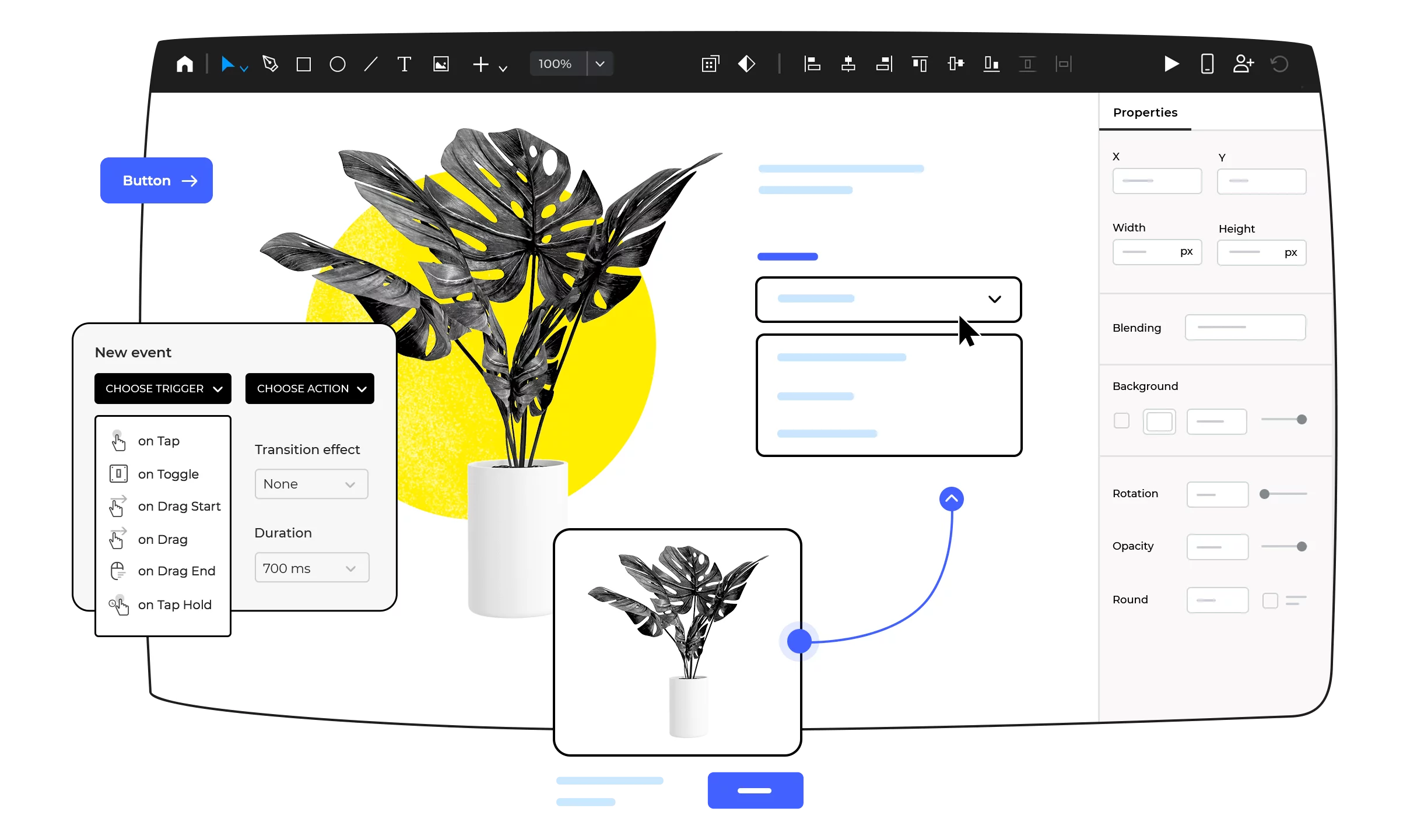








From clickable prototypes to functional simulations
Create from clickable prototypes to fully-functional simulations, without typing a single line of code. We provide a full range of tools, so that you can focus on creating delightful user experiences. Testing through simulations will reduce rework and boost user adoption.
Bring your interaction design to a superior level
Design full interactions of your web and mobile products, from the navigation to the last details of the user experience: advanced interactions, animations, transitions, interactive UI elements. Launch easy to use products and boost user adoption.

Web interactions
Design web experiences with a full range of interactions, animations and transitions. Create anything from simple links to advanced interactions.

Mobile gestures
Choose from a ton of gestures that allow you to rotate, tap, swipe, scroll and pinch your way through your mobile app prototype.

Free UI Design with no limits
Design your UI assets for free, without any restrictions on number of projects. Enjoy all UI design features, from the vector design tool, the pen tool, to pathfinders and more.
From low to high fidelity
With a single tool, you can cover the entire cycle of designing your products. Start by conceptualizing with low-fidelity wireframes, iterate, and validate your designs with high-fidelity prototypes and even interactive simulations.
Forms and data in motion
Design, prototype and simulate fully-functional forms and data grids-lists, and test them instantly without writing a single line of code.
Bring your prototypes to life in a click
Visualize your web and mobile prototypes, while you design them. Simulate prototype behavior while you design. Use our Emulator and Viewer App to test your prototype live on any iPhone, iPad or Android device.
Design better experiences together
Validate early and often. Allow all your stakeholders to test and review your prototype, leaving no room for misunderstandings. Improve communication between teams, putting them all on the same page.

Share and get feedback
A single click lets you publish your prototypes and invite all project stakeholders to give feedback early on.

Team prototyping
Multiple users can work on or edit the same prototype simultaneously. Our version control system tracks the changes.

"
Interactive prototypes help us learn quickly and iterate, so that we can create great products
"
Meagan Timney
| Senior Product Designer


"
Efficiently showing our requirements has led to highly functional, well-designed products that our clients love
"
Kacie Conroy
| Senior Business Analyst


"
With the ability to create prototypes across different screen sizes and devices, we are able to validate hypotheses prior to creative design and build
"
Chris Murray
| Director User Experience


Design Systems
Keep consistency in your Style Guides, UI component libraries, interactions, templates and other deliverables. Share your assets with design teams, business analysts and developers.


Create your own UI Kits
Easily refine and reuse the built-in libraries or create your own. Personalize them with your own style and interactions.
Share and sync UI components
Centralized management for your UI kits. Maintain your UI elements and style guides synchronized across all your teams.
Reuse via templates and masters
Templates and masters allow you to share and reuse content (headers, footers and more) across all the screens of a prototype.
Design and prototyping features you’ll love

Free design templates
Speed up your prototyping process with design resources and UI components pre-installed in our free prototyping tool.

Interactive UI components
Speed up your prototyping process with ready-made and frequently updated UI kits. You can also create your own UI kits with personalized components.

Integrations and plugins
By combining our design and prototyping strength and other design, project management and user testing tools, you’ll be able to create and test hi-fi prototypes.

Export to HTML and images
You can export your prototype to a fully functional and interactive HTML. Additionally, we provide an extensive set of features to export your assets to SVGs and PNGs.

Manage requirements
Add and manage text requirements within the UI prototype and integrate the requirements in your preferred Agile tool.

Export specification documents
With a single click, generate specifications documents from your prototypes. Create your own specifications document templates or use our API to generate the assets you need.
Success stories
Find out why thousands of users love to use Justinmind to create web and mobile app prototypes.

Temple University inspires the next generation of designers with Justinmind
Philadelphia’s Temple University bridges the gap between design and business with a little help from Justinmind

How middle schoolers are designing mobile apps with Justinmind
What happens when middle schoolers build prototypes with Justinmind? A whole heap of innovation

How TokBox solved rework problems with Justinmind
TokBox’s web and mobile app prototyping better since Interaction Designer Charles Diggs found the right prototyping tool
Recommended reading
Learn more about the industry best practices, keep up with recent Justinmind updates and hear all about the latest trends of UX design.
 Amazing Content
 Popular articles